


Samsung’s Android 16-powered One UI 8 continues to seep down into the full Galaxy line, but a leaked firmware build draws a picture of the future. One UI 8.5 seems likely to bring privacy enhancements, smarter calling tools and a fresh lick of paint — eight changes that seem sensible rather than gimmicky.
None of this is confirmed, and features can change ahead of release. But the direction is consistent with Samsung’s recent focus: Where AI reduces friction, and design tweaks help with reachability and accessibility beyond checkboxes. And with seven years of OS support in recent flagships, many of these enhancements may be available to a large population of Galaxy users.
- Privacy Display cuts off your Field of View
- Automatic call screening gets the first tap
- Tap-to-share supercharges Samsung Quick Share
- Pollen data returns to Samsung’s Weather app experience
- An AI response shortcut in the home screen launcher
- A cleaner, denser UI appearance with better reachability
- Auto Blocker earns the new ‘Safely’ override button
- Automatic flashing-light reduction for safer video viewing
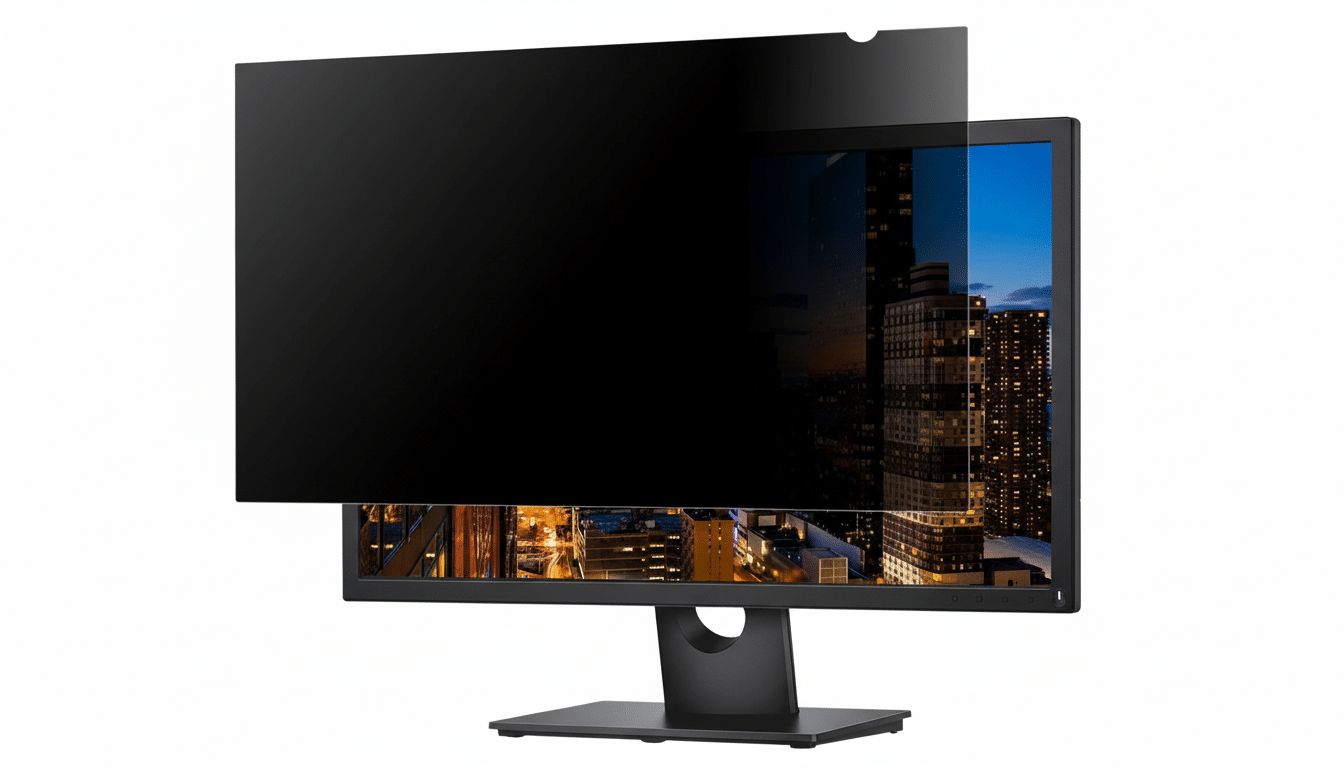
Privacy Display cuts off your Field of View
A new Privacy Display mode is intended to counter shoulder-surfing by cutting side visibility angles. It’ll use Samsung’s “Flex Magic Pixel” to produce that effect, according to the report — a technique that can change pixel output depending on which way it’s being viewed, so while on-axis views are sharp, off-axis contrast is reduced. Adjustable levels — with a “Maximum Privacy” option, among others — make it seem like you can tweak the trade-off between brightness and secrecy. You know, crowded trains, airport lines or client meetings where discretion is required.
Automatic call screening gets the first tap
Expanding on Bixby Text Call, One UI 8.5 appears to implement Pixel-like automatic call screening. Your phone can now take the guesswork out of policing your calls and give you a live transcript so you can intervene only when it’s legit, rather than tap a button each time. And because regulators and researchers have registered the ongoing scourge of robocall scams — with consumer losses in the billions, according to reports from the FTC and independent call analytics firms — a set-it-and-forget-it screener could save you time and money. Look for the manual flow to remain available for those who like control.
Tap-to-share supercharges Samsung Quick Share
Quick Share appears ready to give a sense of NFC “tap to start” as you hold two Galaxy phones near each other, initiate the transfer, and then pass off to Wi‑Fi Direct for wind-in-your-hair speed. It’s an updated spin on the convenience of Android Beam without that old Bluetooth bottleneck. According to the rumor mill, visual handoff animations are under testing and Samsung might initially brand this as experimental — a clever way to get some early user feedback before making it the default option.
Pollen data returns to Samsung’s Weather app experience
More recently, it was discovered that Samsung had removed pollen data from its description pulled by the Weather app, though this feature looks primed for a return. Anticipate color-coded levels for tree, grass and ragweed pollen, accompanied by plain-language labels about how bad pollen levels will be. For the tens of millions who suffer from seasonal allergies every year, as reported by the Asthma and Allergy Foundation of America, cutting down on app bouncing during high-sneeze days in favor of one-tap access to this information is a win.
An AI response shortcut in the home screen launcher
Apparently, there is a lightweight AI prompt that is poised to land directly on your home screen. Responses are intended to be short — a few sentences — and people may be able to select from several AI providers, including Samsung Gauss and external partners like Gemini or Perplexity. This isn’t a full-fledged chat workspace; it’s an express lane to quick facts, clarifications and summaries without the need to open another app.
A cleaner, denser UI appearance with better reachability
Leaked builds indicate that we can look forward to a smaller Settings page with less subtitle clutter, a bottom-aligned search bar, softer drop shadows, and a floating back button (as well as very mild edge gradients). These design decisions prioritize thumb reach and scannability on taller screens — a trend that usability researchers like the Nielsen Norman Group have been encouraging for years. Look for the refresh to roll out across core Samsung apps for a consistent experience.
Auto Blocker earns the new ‘Safely’ override button
Auto Blocker, which secures your phone against untrusted installs and USB commands, may be overzealous if you sideload or debug. One UI 8.5 seems to include a timed override — shut protection off temporarily and it switches itself back on again after about 30 minutes. It’s a pragmatic balance that dovetails with advice from security organizations like NIST: reduce the window of exposure while still allowing legitimate workflows to take place.
Automatic flashing-light reduction for safer video viewing
An accessibility setting can identify strobing or quick flashes of light in video and automatically dim the lights, so to speak. For those with photosensitive epilepsy — one of the approximately 50 million people with epilepsy worldwide, according to the World Health Organization — it’s more than an amenity. It’s a great safety feature that could make social feeds, games and short-form video less potentially dangerous to scroll through.
What’s missing is timing. Samsung has yet to publicly date One UI 8.5, and features can roll out in stages, or debut as device exclusives. Some features, such as the Privacy Display, could debut on the next Ultra-tier flagship before eventually expanding outward if hardware permits.
Still, this glimpse of One UI 8.5 indicates a more grown-up release: little-but-smart tweaks that nudge privacy, supplant friction, and honor accessibility. If the leaked build fits true, then Samsung Galaxy owners are in for a concrete treat.