


Your tablet’s battery is not dying because it is old — it is probably how you charge it. Lithium‑ion cells can provide years of reliable runtime, but there are a few basic everyday behaviors that quietly shave months off their usable life.
Battery engineers generally agree on the culprits: high voltage being held over time, deep discharge, heat, and unstable power. Research compiled by Battery University concludes that capacity loss occurs even faster if cells are left at 100% state of charge (SoC), particularly when warm — at 100% SoC, cells stored at approximately 40°C can lose over a third of their capacity in just one year; mid‑range SoCs and lower temperatures cause much slower aging.
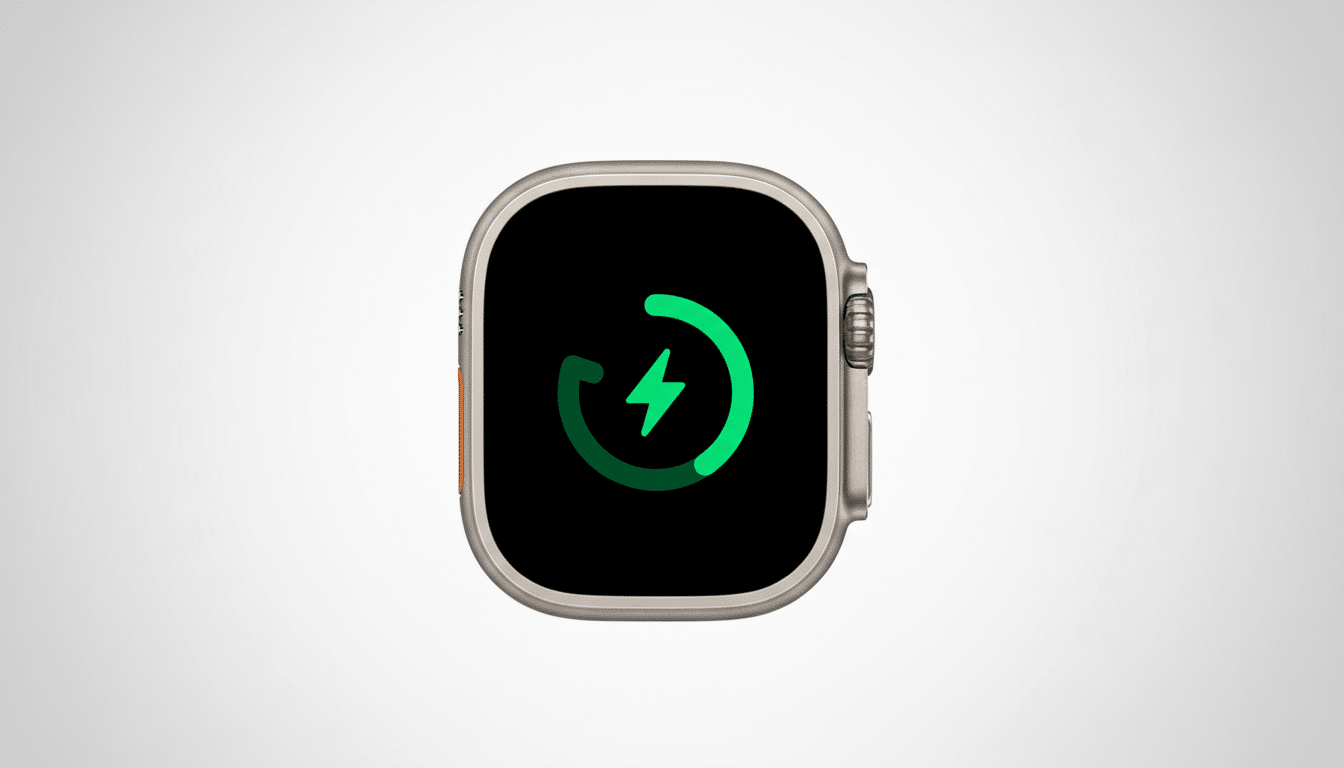
Mistake 1: Leaving it at 100% charge overnight
When your tablet reaches 100% and is left plugged in, the device begins to send a trickle charge to maintain 100%, entering into a constant cycle of charging and discharging.
That means the cell remains at high voltage for hours, which strains the chemistry and can heat the pack — both scenarios that age a battery faster.
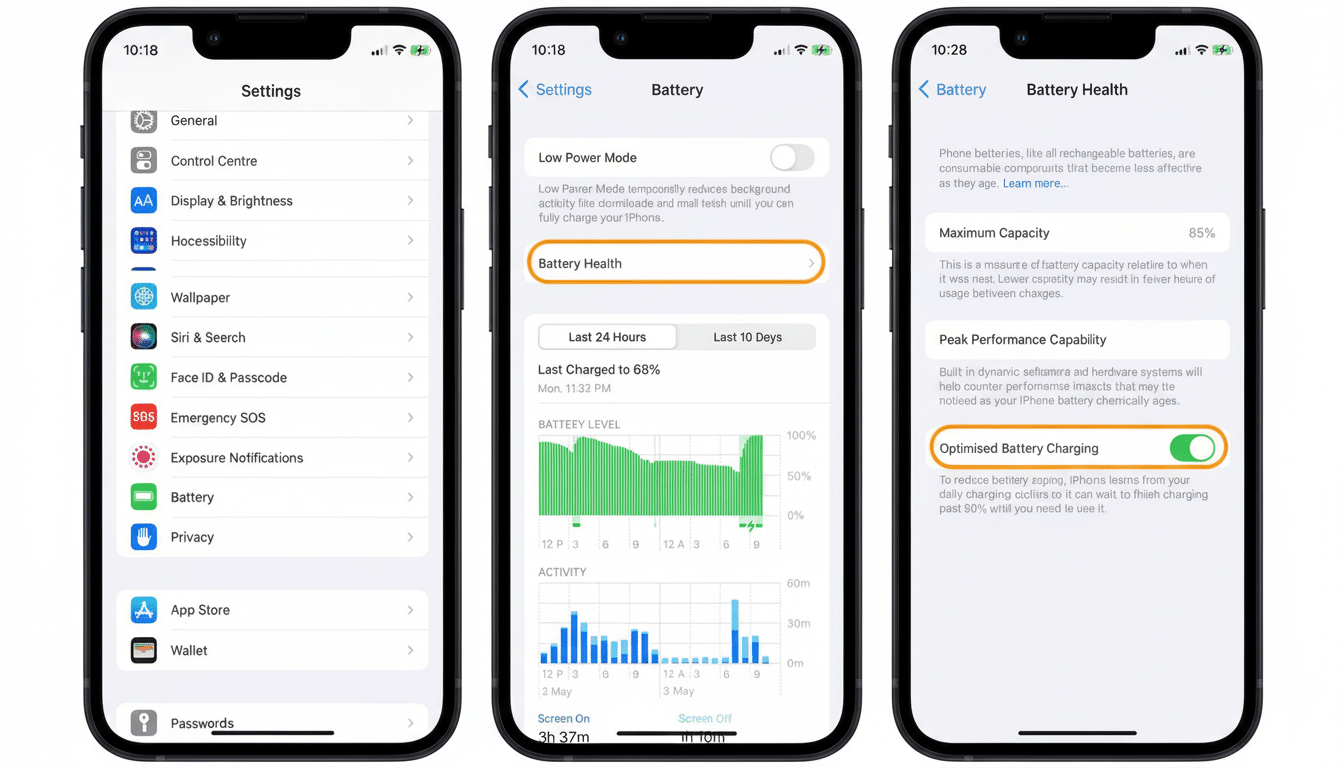
Contemporary battery management systems minimize risks, but they cannot rewrite electrochemistry. It’s also why device makers now include protective features: Apple’s Optimized Battery Charging waits to fill the last few percent until you’ll actually need them, Samsung’s Protect Battery caps the charge at around 85%, and Google’s Adaptive Charging smooths out the final stretch over your overnight sleep period.
What to do instead: Try to keep your tablet between around 20% and 80% when using it day‑to‑day. You can also flip on any charge‑limiting or “optimized charging” toggle in the settings. If your device doesn’t have these things, put it on a smart plug or use a routine to cut power near 80–90%. Keep the tablet on a cool surface when charging — don’t tuck it under piles of pillows or store it in a toasty case.
Mistake 2: Draining to 0% and parking it empty
Running the battery flat is brutal on lithium‑ion. Still, the pack is self‑discharging very slowly after shutdown. Empty for long enough, voltage can dip below the safe threshold and leave the battery deep‑discharged, damaging internal layers and making recovery difficult or impossible.
Cycle depth matters, too. A “cycle” is 100% of capacity used — two 50% drains equal a single cycle. Studies quoted by IEEE and Battery University confirm that cells being repeatedly swung between moderate SoCs (about 20–80%) will provide substantially more usable cycles than the same cells being cyclically charged from 0 to 100%.
What to do instead: As a rule of thumb, try not to regularly dip below 20%. If you are going to be setting the tablet aside for weeks, keep it around 40–60% and power it down. Plug it in once a month to top up. Let it drop to about 10%, and then charge back up to close to full once a month or two — not very often — in order to recalibrate the battery gauge (not the battery itself).
Mistake 3: Using chargers from the dollar store
Low‑quality bricks and cables may produce unstable voltage, inadequate regulation, and excessive ripple — conditions that will be uncomfortable for the tablet to receive and stressful on a battery. There have been many recalls issued by the U.S. Consumer Product Safety Commission for substandard USB chargers posing overheating and fire hazards, highlighting the risks beyond just battery degradation.
Not all “fast” is the same, either. Once your tablet is connected, it might have USB Power Delivery (USB‑PD) profiles that it expects; off‑brand kits might spoof or ignore these. Underpowered gear sends you into endless, hot charging sessions, and noncompliant hardware might overrun your limits.
What to do instead: Try a reputable, certified charger that works with your tablet’s standard (USB‑PD is a popular one) and has safety marks such as USB‑IF certification or UL or ETL listing. Match or exceed the wattage your tablet can handle; over‑spec is okay since the device negotiates draw, but under‑spec can heat up and run slowly. According to the company, for high‑wattage USB‑C, use e‑marked cables and avoid frayed or kinked cords.
Smart charging habits that can add real years
Prioritize cool conditions. Heat is a battery’s foe, so avoid charging over soft surfaces that retain warmth, in sun‑struck cars or under heavy load. If you’re playing video or games, unplug once you have enough charge or try to keep the system ventilated.
You already have the tools you need. Many fleet installations have a cap on charge to prolong life of the fleet, and for consumers you can emulate that with built‑in settings, scheduled charging, or just an alert to unplug. Deep down, software updates from manufacturers also tweak charging curves and thermal management — install them.
No need to freak about the occasional slip. One overnight charge or an occasional deep drain is not going to kill a good pack. Battery wear adds up, so cumulative small gains — no 100% parking, never 0%, and a good charger — bring the best reward over time.
Bottom line: Consider the battery to be a consumable you can control.
Meet the 20–80% rule when you can, keep it cool, and charge with certified equipment. Do that and your tablet will feel “new” for much longer than the spec sheet would lead you to expect.